

Super Admin ControlRun Your Practice on
Run Your Practice on
Autopilot.
Manage multiple clinics, track revenue, control staff access, and analyze performance from one centralized digital dashboard.
admin.armedico.com
+12%
Today's Revenue
₹24,500
+5%
Active Patients
142
Full
Appointments
38
2 Leave
Staff Present
8/10
Analytics Render View
Admin Tools
Complete Control Over Your Clinic
Staff & Role Management
Create accounts for receptionists, nurses, and assistant doctors, and control their access.
- Custom Permissions
- Activity Logs
Financial Reports
Track revenue daily, weekly, or monthly and export GST-ready financial reports.
- Daily Settlements
- Expense Tracking
Multi-Clinic Support
Manage multiple clinics from a single login and switch between them instantly.
- Unified Database
- Location Analytics
Insights
Data that drives decisions.
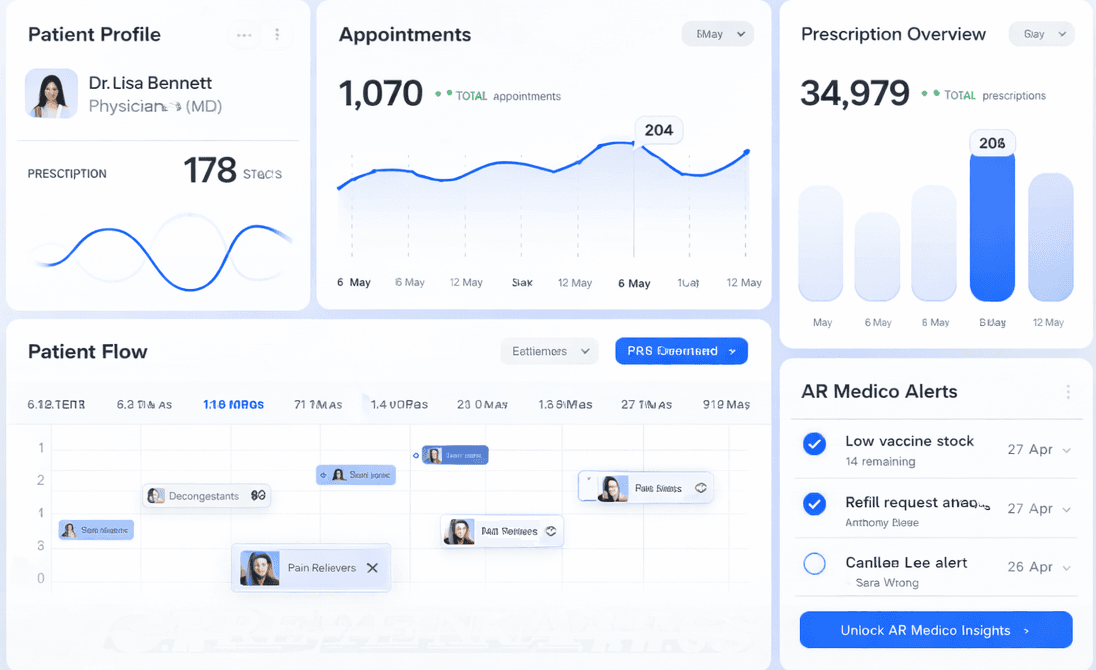
Analyze patient footfall, peak hours, and treatment trends with real-time insights from your dashboard.
Export Data
Export reports in Excel, PDF, or CSV formats for easy analysis and sharing.
Smart Alerts
Get real-time alerts for low stock, cancellations, and important updates.
Administration FAQs
Yes, role-based access control allows you to define specific permissions. For example, receptionists can manage appointments but cannot view revenue reports or clinical data.
Absolutely. You can generate and export GST-compliant financial reports, expense sheets, and daily settlement data in Excel, PDF, or CSV formats with just one click.
Yes, the Admin Dashboard includes a comprehensive audit trail. You can track which staff member created, updated, or deleted records along with timestamps.